Clover feature
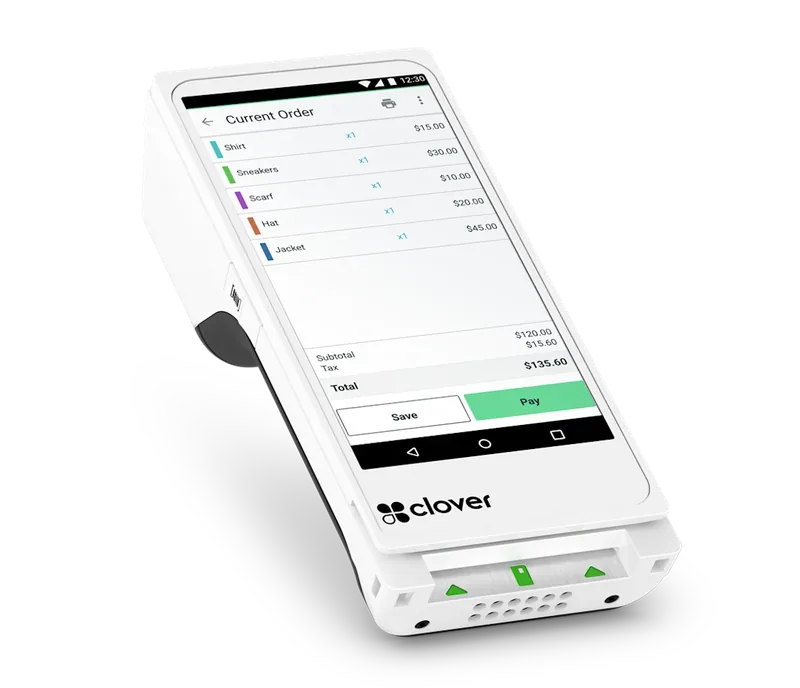
A handheld Clover lets servers take orders and process payment at the table, speeding up service.
✓ Installed by our team and supported by phone. Rates and equipment are quoted to your business.
Merchant Fund Express configures this Clover capability with your devices, menu and team, so it is working from the first shift.
Send items straight to the kitchen.
Close checks without a trip to the register.
Built-in printer on the Flex or digital receipts.
Tip prompts at the point of payment.
It reduces walking, shortens table time and keeps cards in the guest’s sight. It is a small change with a big feel.
We learn how your business works and what you need this feature to do.
We set it up with your menu, items or services.
Your team gets hands-on training on site.
We stay available after launch.
Tableside ordering gives servers a handheld so they can enter orders, send them to the kitchen and close checks at the table. The kitchen receives the order as it is entered, and the guest pays without waiting for a server to return.
It changes the shape of service: fewer trips to the register, faster tickets to the kitchen and shorter table time, which matters most in rooms that turn.
Items and modifiers are keyed at the table.
The ticket reaches the kitchen immediately.
Drinks and desserts are added without a walk.
The guest pays and tips on the handheld.
Faster tickets and shorter table time.
Rounds are added without a trip to the bar.
Take payment where the guest sits.
Add-ons are rung at the table.
From approval to a live system, we plan on 24 to 48 hours in the DFW metro and 5 to 7 business days nationwide.
You tell us how you sell: where the counter or route is, how many people work it and how customers pay.
A personal quote comes first. When you say go, the application is submitted and underwritten for your type of business.
Devices are set up with your account and options in advance, then sent to you with free shipping.
Someone comes to you, connects the network and printers, enters your items with you in the room and walks your team through a practice transaction in English or Spanish.
We stay available through your first real service and afterward by phone, so a question on a busy night has an answer.
Tableside ordering is the front half of a restaurant system whose back half is the kitchen display. Handhelds that fire orders instantly make a display more valuable, and tip prompts on the handheld make server income more accurate.
As explained by Merchant Fund Express. Updated 2026.
The Flex is the most popular for tableside use because of its printer and cellular option.
Yes, connectivity options let it work even where Wi-Fi is spotty.
The Flex handheld is the usual choice: a 6-inch touchscreen with a built-in printer and cellular connectivity.
Yes. Seat numbers and item-level splits are handled on the handheld.
The Flex also has its own cellular connection, so it does not rely on the dining room Wi-Fi.
Most restaurants keep a station for the host and bar and for guests who prefer it.
Call Merchant Fund Express. We install it, train your staff and stay on the line after launch. Ask for a free rate review while you are at it.
